trychitter connecting people and technology by routing conversations to the right tools and people. It speeds replies and keeps context across channels. It helps teams, customers, and partners work together. It reduces wait time and cuts confusion. It fits email, chat, CRM, and voice systems. It scales from small teams to enterprises with clear metrics and fast setup.
Key Takeaways
- TryChitter connecting people and technology accelerates responses by routing conversations to the right tools and team members while maintaining context across channels.
- The platform integrates seamlessly with email, chat, CRM, and voice systems to unify communication and reduce task switching for teams of all sizes.
- TryChitter enhances workflow by summarizing threads, assigning tasks based on skills, and suggesting replies without replacing human interaction.
- Its user-friendly design supports accessibility and empathy, improving adoption rates and reducing errors among users.
- Onboarding involves mapping workflows and pilot testing, with measurable improvements in response times, cost savings, and customer satisfaction.
- Robust security features like encryption, role-based access, and compliance controls make TryChitter a trusted solution for protecting people and data.
What TryChitter Actually Does: An Overview Of Purpose And Use Cases
TryChitter routes messages, adds context, and suggests next steps. It links customer chat, email, and voice into one timeline. It helps support agents answer faster. It helps sales reps prep for calls with recent customer notes. It helps HR manage internal requests with searchable threads. It helps developers see bug reports with full context. It works for remote teams, retail stores, and call centers. It reduces task switching and prevents lost context. It adapts to workflows and keeps audit trails for compliance. Many teams use trychitter connecting people and technology to cut response time and keep records intact.
Key Features That Turn Technology Into Human Connection
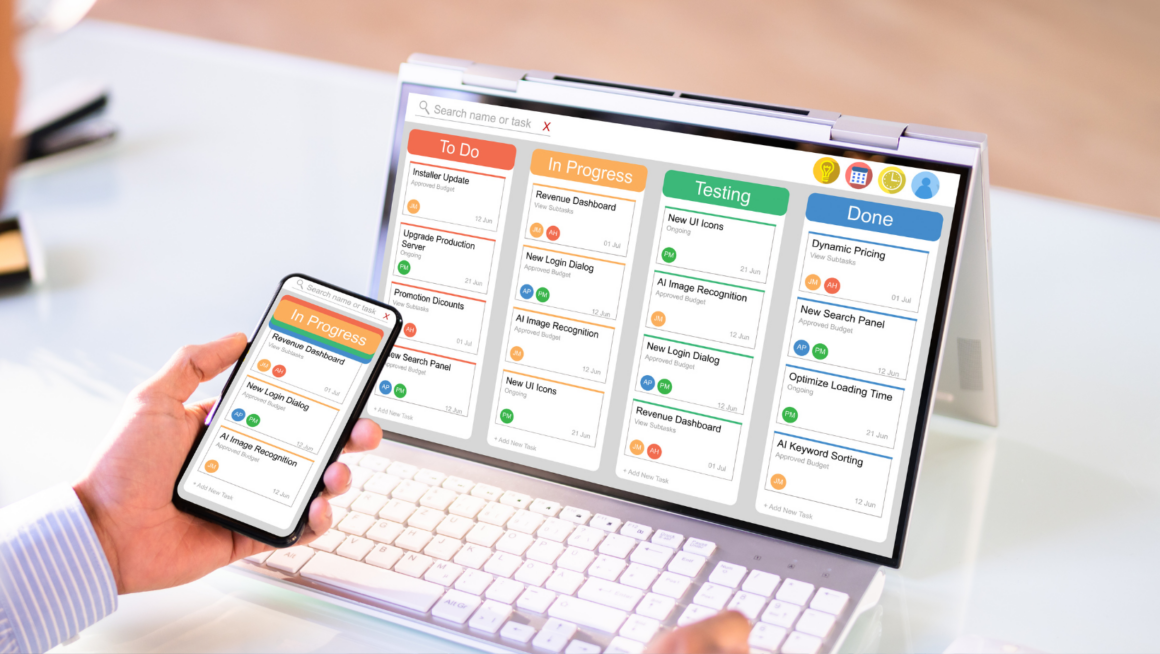
TryChitter adds features that make tools behave like helpful teammates. It summarizes long threads into short action items. It assigns tasks to people based on skills and availability. It highlights sentiment and flags urgent messages. It stores searchable context so new team members catch up fast. It links to CRM records and ticket IDs automatically. It offers templates that match company voice. It uses safe automation to suggest replies, not replace people. It helps managers measure response time and satisfaction. It lets teams customize rules without code. It shows dashboards that display workflow health and cost savings.
Real-Time Conversations And Contextual Responses
TryChitter captures live chat and logs the context. It tags conversation points and shows related documents. It offers suggested replies based on prior answers and policy. It lets agents accept, edit, or send suggestions. It keeps context when conversations move from chat to email or phone. It reduces repeated questions. It speeds resolution and improves customer tone. Many teams report fewer escalations after they start using trychitter connecting people and technology.
Seamless Integrations With Tools Users Already Love
TryChitter connects to CRM, helpdesk, calendar, and voice platforms. It syncs contacts and ticket history in real time. It sends events to analytics and billing systems. It uses standard APIs and secure connectors. It installs in days for common stacks. It offers plugins for major chat and email clients. It keeps data consistent across tools and trims manual copy-paste work. It frees teams to use familiar tools while gaining coordinated context.
Designing For Human-Centered Interaction: UX, Accessibility, And Empathy
TryChitter designs interfaces that people understand at a glance. It places key actions where users look first. It uses clear labels and short prompts. It supports keyboard and screen reader navigation. It offers high-contrast themes and scalable text. It provides short training tips inside the app. It watches for signs of user stress and suggests calmer phrasing. It measures task success and streamlines repeated actions. It logs feedback and pushes updates often. It builds interfaces that respect attention and reduce friction. Teams using trychitter connecting people and technology report higher adoption and fewer errors.
Implementing TryChitter In Your Organization: Onboarding, Workflows, And ROI
TryChitter follows a short onboarding path. It maps existing workflows and imports data. It trains champions and assigns initial rules. It runs pilot projects with clear goals. It measures baseline metrics and compares results after launch. It tracks response time, handle time, and customer satisfaction. It reports cost savings from fewer tools and faster resolution. It refines routing rules and templates from pilot feedback. It scales by adding more integrations and users. It estimates payback in months for typical support and sales teams. Leaders can see dashboard evidence that trychitter connecting people and technology improves throughput and cuts manual work.
Trust, Privacy, And Safety: How TryChitter Protects People And Data
TryChitter encrypts data in transit and at rest. It enforces role-based access and audit logs. It supports single sign-on and multi-factor authentication. It masks sensitive fields and redacts PII when rules require it. It stores consent records and honors data retention policies. It offers admin controls for message review and compliance exports. It conducts regular security testing and publishes reports. It isolates tenant data and limits third-party access. It gives users clear controls over notifications and sharing. It follows regional privacy laws and supports custom agreements. Many customers cite security as a reason they choose trychitter connecting people and technology.