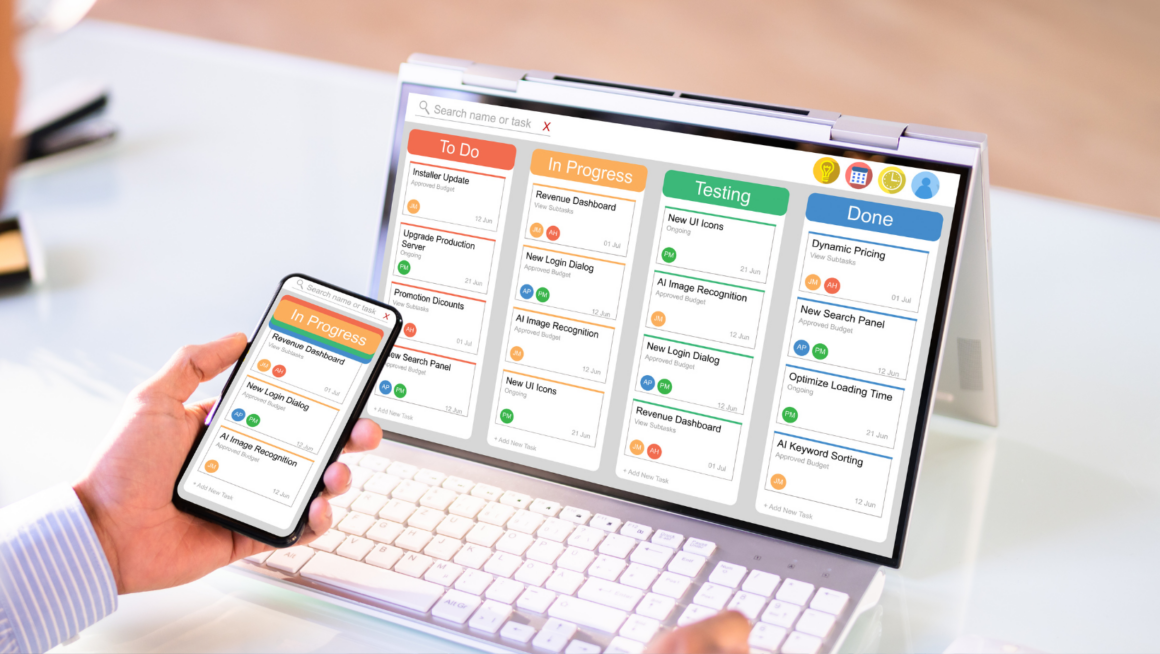
TryChitter automation tools for effective alert triage and management appear early in this guide. The guide explains why teams need automation. It lists key TryChitter features and shows how teams design workflows. It gives clear steps for prioritization, suppression, and deduplication. It explains which integrations matter. It points out common implementation pitfalls and how teams avoid them.
Key Takeaways
- TryChitter automation tools streamline alert triage by filtering low-value alerts and routing critical ones to the right responders, reducing alert fatigue and missed incidents.
- Core features like rule-based routing, enrichment, dynamic escalation, and playbook triggers enable precise and auditable alert management workflows.
- Design effective alert workflows by mapping incident types, setting clear severity thresholds, attaching runbooks, and continuously testing and refining rules.
- Prioritize alerts based on user impact and service criticality while using suppression and deduplication techniques to minimize noise and repeated notifications.
- Integrating TryChitter with monitoring, logging, and ticketing systems enriches alerts with context and accelerates responder actions.
- Avoid common pitfalls by starting automation gradually, maintaining up-to-date enrichment data, documenting rules, and keeping human oversight for high-risk alerts.
Why Alert Triage Automation Matters Today
Automation reduces manual work and cuts mean time to acknowledge. TryChitter automation tools for effective alert triage and management help teams filter low-value alerts. They route high-value alerts to the right responder. They tag alerts with context so responders act fast. They lower alert fatigue and improve focus. Teams that use TryChitter automation tools for effective alert triage and management see fewer missed incidents. They spend less time on repetitive tasks and more time on fixes.
Core TryChitter Automation Features For Triage And Routing
TryChitter automation tools for effective alert triage and management provide rule-based routing. They allow conditional filters that check source, severity, and tags. They apply enrichment to add host, service, and recent change data. They support dynamic escalation paths and playbook triggers. They offer templates for common incident types. They let teams preview routing logic before they enable it. They log every automated action so teams can audit decisions and refine rules.
How To Design Effective Alert Workflows In TryChitter
Teams map incident types and assign owners. They write simple rules that match known signatures. They set clear thresholds for severity and escalation. They attach runbooks to automated actions so responders see next steps. They test workflows in a sandbox before they deploy. They review workflows weekly and remove stale rules. They measure false positives and adjust filters. They repeat this cycle until alerts match intent.
Best Practices For Prioritization, Suppression, And Deduplication
Teams prioritize alerts by user impact and service criticality. They assign numeric priorities and map them to response SLAs. They suppress maintenance and low-value noise at ingestion. They use time-window suppression to avoid repeated notifications for the same issue. They enable deduplication to merge identical alerts from multiple sources. They tag merged alerts with source counts and first/last timestamps. They keep suppression rules simple and audit them monthly to avoid missed incidents.
Integrations And Data Sources To Feed Smarter Decisions
TryChitter automation tools for effective alert triage and management integrate with monitoring, logs, and ticketing systems. They pull metrics from APM, metrics stores, and synthetic checks. They ingest logs and traces to provide context. They connect with CMDB and deployment tools to surface recent changes. They push alerts to chat, SMS, and incident management platforms. They enrich alerts with runbook links and related incident history. Teams prioritize integrations that reduce manual lookups and speed response.
Measuring Impact: Key Metrics And Dashboards To Track
Teams track mean time to acknowledge and mean time to resolve. They monitor alert volume, alert noise ratio, and percentage of automated resolutions. They track suppression hit rate and deduplication rate. They build dashboards that show priority trends and owner load. They set alerts on these metrics to detect rule drift. They run monthly reports and share results with stakeholders. They use the results to refine TryChitter rules and integrations.
Common Implementation Pitfalls And How To Avoid Them
Teams over-automate and silence important signals. They create fragile rules that break after deployments. They forget to update enrichment sources. They rely on single-source data and miss broader context. Teams avoid these pitfalls by starting small and validating each rule. They document automation logic and assign owners. They schedule regular reviews and tie rules to runbooks. They test automation after every major change. They keep human checkpoints for high-risk actions.