TryChitter apps archives store a user’s posts, media, and settings for later use. The archive helps users recover content, free device space, and meet compliance needs. This guide explains what archives contain, how they work, and how they help people manage TryChitter accounts in 2026.
Key Takeaways
- TryChitter apps archives securely store users’ posts, media, and settings to enable content recovery and compliance management.
- Users can access TryChitter archives through mobile apps and the web dashboard using their account credentials and two-factor authentication.
- The archive system allows exporting data in ZIP files with clear naming, supports searching by keywords, and offers restoration of posts to live timelines or device storage.
- Regularly reviewing archive settings, enabling two-factor authentication, and controlling access rights are essential for protecting archived data.
- Organizations can automate export and retention policies to meet compliance while users should encrypt exports and redact personal data before sharing.
- TryChitter archives help users free local storage without losing data and support auditing activities with encrypted, timestamped records.
What Are TryChitter App Archives And Why They Matter
TryChitter apps archives contain copies of a user’s posts, direct messages, profile data, and attached media. The system marks data with timestamps and account IDs. They matter because they let users restore content after accidental deletion, audit activity for legal reasons, and move data between accounts. Organizations use archives to keep records for a fixed period. Individual users use them to reclaim lost files or free local storage without deleting items from the account. TryChitter keeps archived data encrypted while stored. The archive policy shows retention limits and access rules. They must check the policy to know how long data stays available.
How To Access TryChitter Archives
TryChitter offers archive access on mobile apps and the web dashboard. The access process uses the same account credentials and two-factor authentication when enabled. They can request a custom export or view items inline. Access rights depend on the account role and any organization rules. The archive interface lists items by date, type, and tags. Users can search the archive with keywords or filter by media type. The next sections show step-by-step actions for mobile and web interfaces.
Accessing Archives On Mobile (iOS & Android)
Accessing Archives On Mobile (iOS & Android)
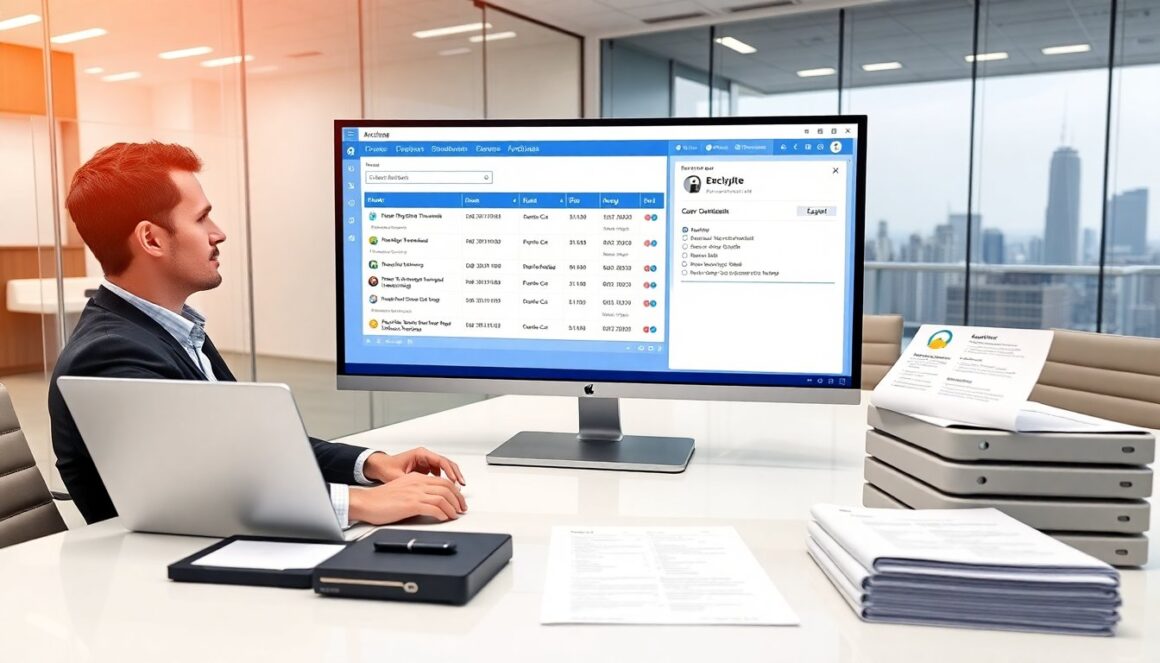
They open the TryChitter app and sign in. They tap the profile icon and then Settings. They select “Account” and then “Archives.” The app shows recent archives and an export option. They tap an archive to preview posts and media. They use the search bar to find items by keyword or date. They can download individual files or request a full export as a ZIP. The app notifies users by email when an export is ready. They may need extra verification for large exports or for direct message content. They can restore items to the live timeline or save them to device storage.
Managing, Exporting, And Restoring Archived Data
They review archive items before export to avoid sending sensitive data. The export tool labels files with clear names and includes a manifest file that lists contents and timestamps. They choose CSV or JSON formats for metadata exports. For media, they get original files inside the ZIP. The restore tool lets them place posts back on a profile or into a staging area first. They can restore single posts or bulk items. They must check dependent items such as comments or attachments: the system warns when linked items are missing. For large exports, TryChitter splits files into parts and provides resumable downloads. They can revoke an export link if they suspect misuse. Admins can set retention rules and automate exports for compliance.
Best Practices And Privacy Considerations For TryChitter Archives
They enable two-factor authentication to protect archive access. They review archive settings quarterly and delete exports that they no longer need. They limit who can request exports and who can restore content. When sharing exports, they encrypt the files and use secure transfer tools. They redact or remove personal data before sharing with third parties. Organizations set retention windows and document audit trails for each access or export. TryChitter provides controls to anonymize user identifiers in exported metadata when requested. Users should check local law for data retention rules. They should report suspicious archive access to TryChitter support immediately.